Published
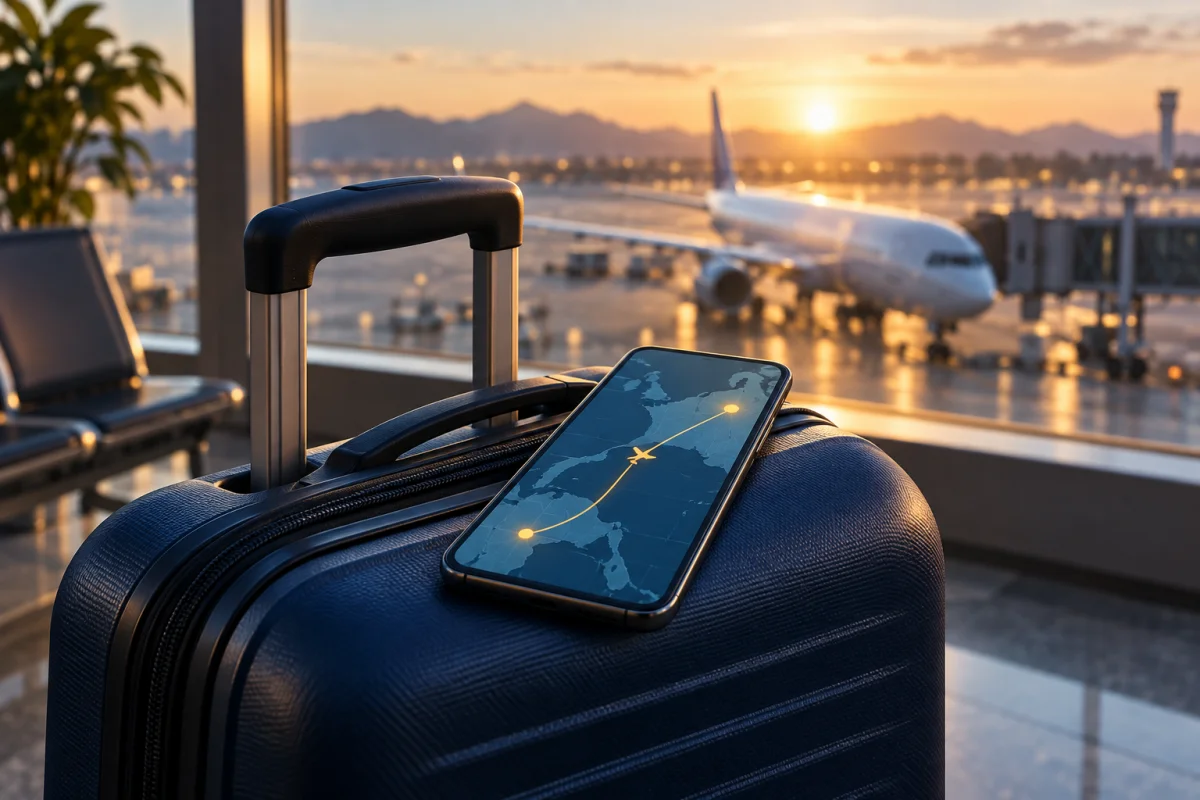
Maps, hotel messages and transport apps are easier to use when you have mobile data ready for arrival. If you are considering Booking.com eSIM, here is what the service offers and what to check before buying a plan or a physical eSIM adapter.
The Booking.com-branded eSIM storefront is powered by Breeze. Breeze provides the service; the storefront states that Booking.com is not responsible for it. You can browse destination and regional data plans, then follow the installation instructions supplied after purchase. See the official Breeze storefront for current availability and terms.
These are data plans: use them for maps, messaging apps and browsing. They do not replace your regular mobile number for standard calls or SMS. Plan allowances, validity periods and covered countries vary, so choose a package that matches your itinerary.
Use a reliable internet connection to download the profile and keep the provider's instructions available offline. Select the travel line for mobile data. Enable roaming on that line if the provider instructs you to, and turn off data roaming on your home line. Breeze also provides data-usage tracking through your online account.
A travel eSIM does not guarantee zero roaming charges. Keeping your home line enabled for calls or texts may still incur carrier charges. Check your home carrier's terms and your phone's data-switching settings. Dual-SIM options depend on the device. Apple's international eSIM travel guide explains the options for iPhone users.
A removable eUICC card, such as the Flipesim physical eSIM card, can store downloadable profiles and use a compatible phone's physical SIM slot. It is an option to investigate before replacing your phone, but a SIM slot alone does not guarantee compatibility.
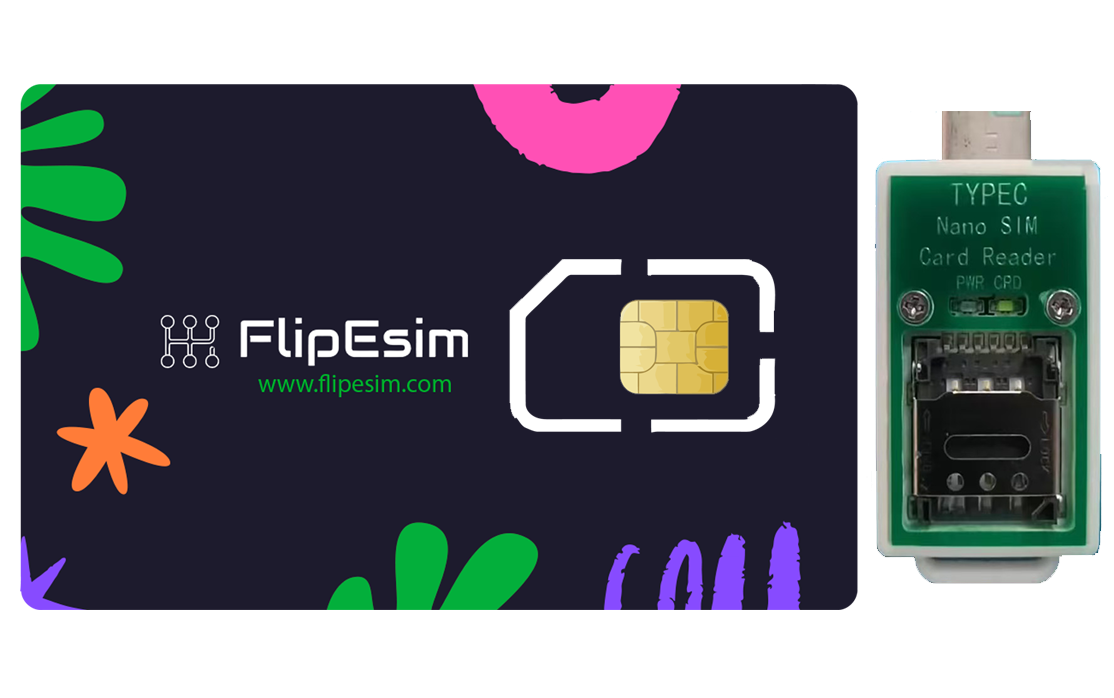
Supported Android phones can manage the card through the Flipesim app. For iPhones, Flipesim's product guidance requires a card reader to write a profile onto the card. The card stores up to 10 profiles; storing profiles does not mean they all provide active connections at once. See the card and reader package for product details.
Booking.com/Breeze compatibility with Flipesim has not been verified for this article. A QR code alone is not proof of support. Before purchasing either product, ask Breeze and Flipesim support to confirm the specific plan, phone model and installation method. Do not assume the provider's built-in eSIM setup process also supports a removable card.
Confirm your phone and plan, check the activation rules, install using the correct method, and review both SIMs' roaming settings. Save your hotel address and essential maps offline as a backup. If your device cannot use your chosen plan, compare a local physical SIM, your carrier's roaming package or a portable hotspot.
Reviewed September 21, 2026. This is an independent Flipesim guide, not a Booking.com or Breeze endorsement. Availability and plan terms can change.
Store downloadable eSIM profiles on a removable card. Check your phone, plan and installation method with Flipesim before buying. iPhone setup requires a card reader.
Shop the eSIM Card